Zapier
Connect your apps and automate the busywork
Best for Builders automating lead capture, notifications and data syncing
Workspace, dictation and no-code automation tools that help solo builders ship faster, with notes on pricing models, task limits and who each one fits.
Connect your apps and automate the busywork
Best for Builders automating lead capture, notifications and data syncing
All-in-one workspace for notes, docs and projects
Best for Solo builders and small teams organizing notes, wikis and projects
Visual automation builder for connecting apps
Best for Builders who want flexible multi-step automations with more control
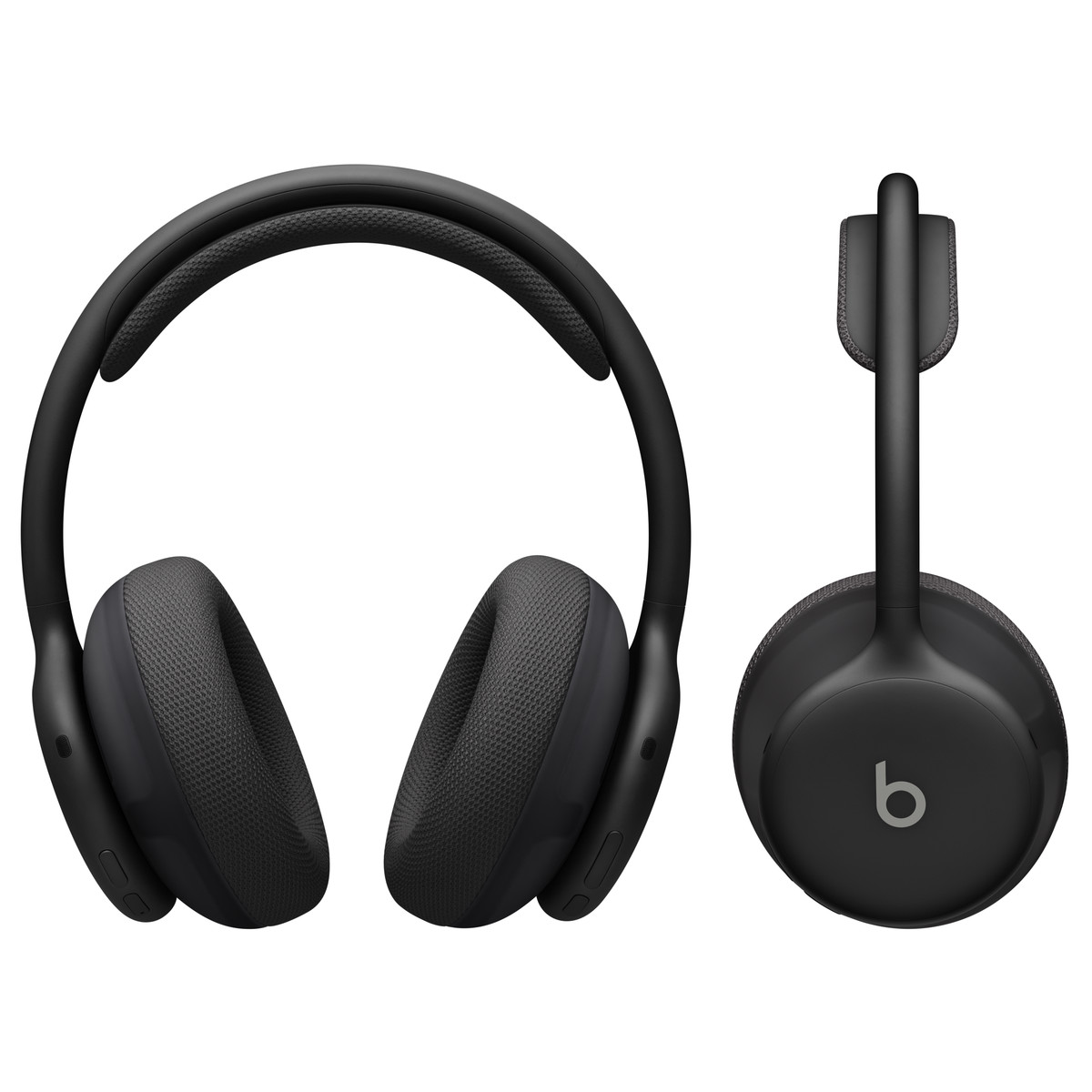
Noise-cancelling over-ear headphones for deep work, calls and the gym
Best for Builders and creators who want one pair of headphones for focused work, video calls, commuting and workouts
Full reviews for these are on the way.
Spreadsheet-database hybrid for workflows
Best for Teams organizing structured data and workflows
Budget app automation with lifetime deals
Best for Budget-conscious users automating many tasks
Broadcast-style mic for podcasts and voiceover
Best for Podcasters and voiceover creators
Programmable keys for creator workflows
Best for Streamers and creators automating repetitive actions
Some links are affiliate links; we may earn a commission at no cost to you.
Productivity tools help you plan the work; automation tools do the repetitive parts for you, like moving leads into a CRM, posting notifications or syncing data between apps.
The picks above cover workspaces, voice dictation and no-code automation, with notes on how each one prices usage so there are no surprise bills.
It depends on how many steps your workflows have. Our Make vs Zapier cost guide shows how to estimate a monthly bill for each.
Common wins are saving form leads to a sheet or CRM, posting new content to social channels, sending welcome emails and getting alerts for new sales.
No. No-code automation tools use visual builders. Code steps are optional for advanced cases.
Free checklist
Send me the checklist
Free, plus a short email walkthrough of each stage and StackPicks Weekly. Unsubscribe any time.
Free. By subscribing you agree to receive emails from StackPicks. See our privacy policy.